Know what comes next
Steps, materials and open tasks stay connected, so returning to a project does not mean starting over.
Pala connects your ideas, plans, files and workshop. Know what comes next, what you need and what worked — from the first sketch to the finished build.
Your own projects start locally in the mobile app. Optional account sync connects them to Pala Web.
Steps, materials and open tasks stay connected, so returning to a project does not mean starting over.
Photos, measurements, decisions and failed attempts remain attached to the moment they belong to.
A finished project becomes a record you can repair, improve or build again later.
Collect ideas, make a plan, check your workshop and keep the results with the project.
Collect notes, links, measurements and open questions. Organize your plan into sections and tasks, then choose the next thing to build.
Keep tools, machines, materials and storage locations together. Compare project needs with what you have and collect what is missing.
Capture photo, video and voice notes right at the bench. Problem, attempt and solution stay traceable.
Find the last build notes, open tasks and next action together. Return to a paused project with its context intact.
Keep drawings, PDFs and references with the project. Add private files according to your plan or save an external source as a link.
Plan parts even before they are in your workshop. Record quantities and prices; unknown costs stay open and currencies remain separate.
Take a photo or leave a voice note while the problem is still in front of you.
Your change lands in the timeline, linked to phase and material.
Save the result so you still know what worked when you build the next version.
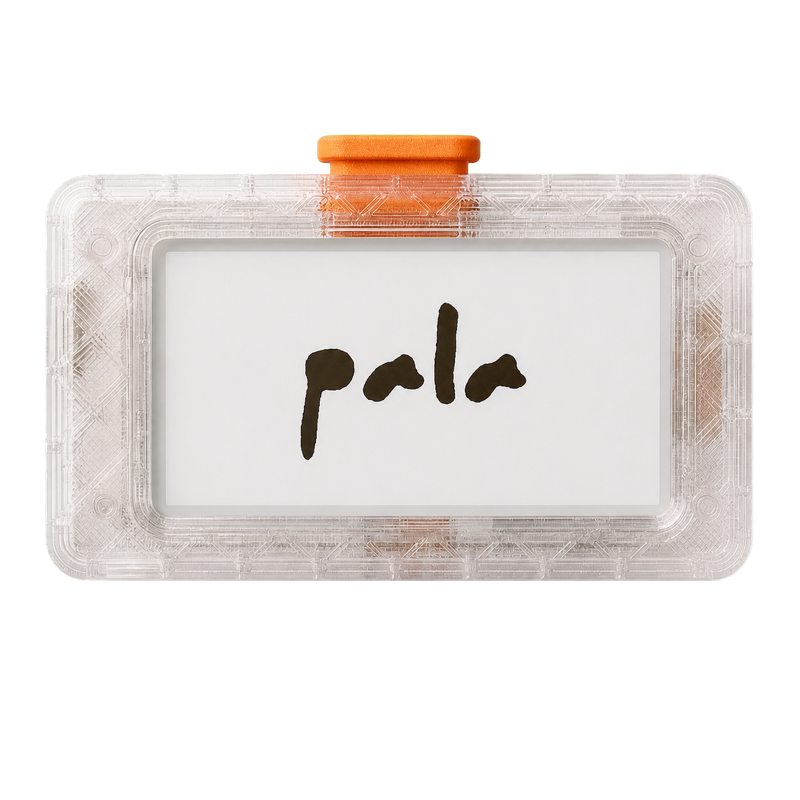
The e-reader is a concrete example: seven build steps, electronic parts, a 3D-printed case and several problems along the way. Pala keeps the plan, workshop check and build log connected, so the current state and the reasoning behind it remain clear.
Use the mobile app to capture work as it happens. Pala Web gives your projects, workshop and files room on a larger screen. Access is currently limited to the test round.
For planning and documenting directly at the workbench.
For planning and documenting directly at the workbench.
Tablet support is being evaluated; release testing is still pending.
Plan projects, organize workshop records and add project files in the browser.
Use Pala Web in the browser. A dedicated Mac app remains planned.
Planning, building and documenting remain useful without a subscription. Pala Pro adds guided maker projects, learning content and optional comfort features after the beta.
Before Pala goes public, it has to prove itself on real projects.
Status: November 2026. The next stage opens when Pala works reliably in everyday use.
Project planning, build notes, materials, workshop records and Pala Web already work together in the current test version.
Real builds guide improvements to planning, files and workshop capture. We are checking everyday workflows before expanding access.
Once the first round is stable, more makers can join the beta on iPhone and Android.
Later you will be able to share finished builds and turn good documentation into projects others can rebuild.
Mobile at the bench, web at the desk. Tablet and native Mac releases follow separate testing.

Hi, I'm Paul. I am always building something and my notes usually end up in five different places. Photos are on my phone, parts are in a list somewhere and the useful solution is the one thing I did not write down. Pala is my attempt to finally fix that.
See my projects on YouTube →